
Is your phone’s “Downloads” folder a digital black hole? For years, Android has cheerfully ignored the crucial files most people actually need to keep – PDFs of concert tickets, resumes you’re tweaking, that crucial invoice you can’t find when the vendor calls. Google’s belated acknowledgement of this problem, tucked into the February Play System update, isn’t a revolutionary leap forward, but it’s a quietly significant shift. The real story here isn’t a flashy new feature – it’s the admission that Android’s backup strategy was fundamentally incomplete, leaving everyday users vulnerable to data loss on files they likely assumed were safe.
The Gap in Google’s Backup Strategy
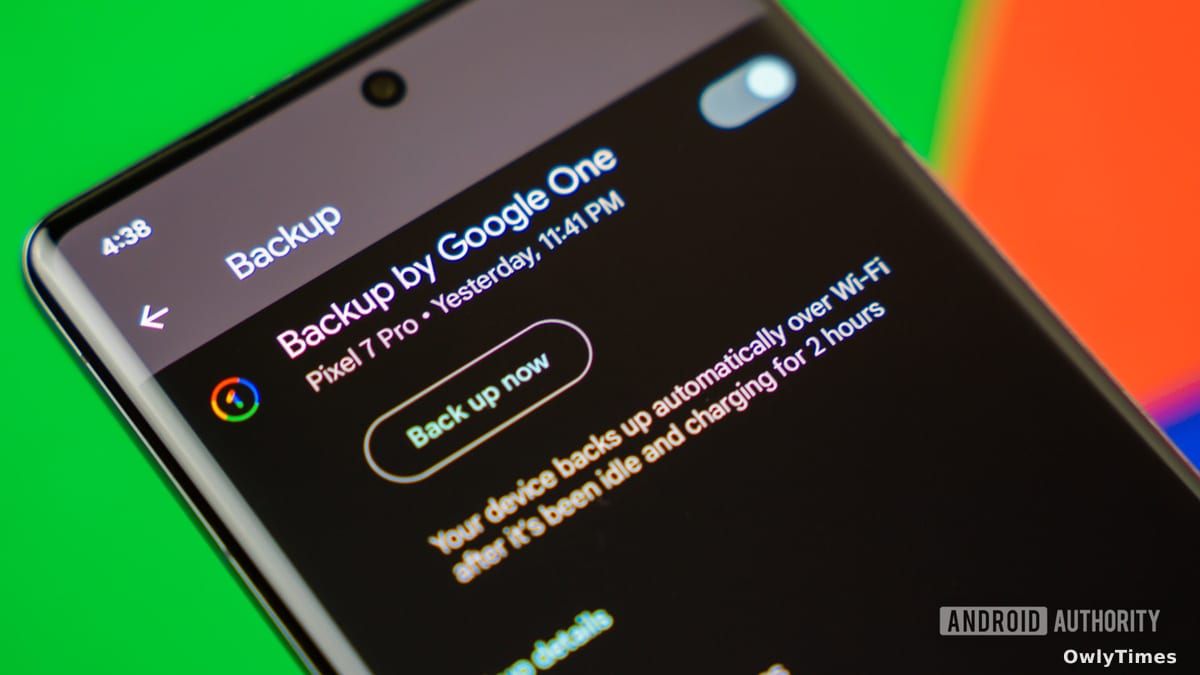
Until now, Android backups have operated on a surprisingly limited principle. Google Photos diligently hoards your images and videos, and “Other device data” – settings, call logs, app data – gets a backup pass. But anything you actively download? Left to fend for itself. This meant crucial documents residing in the /Downloads folder were effectively orphaned, relying on your memory (or luck) to be manually uploaded to the cloud. Edgar Cervantes at Android Authority has been tracking this feature for months through APK teardowns, highlighting the long-standing gap in Google’s approach. The fact that it took this long for a solution to surface speaks volumes about where user priorities fall within the Silicon Valley echo chamber.
See the original androidauthority.com story for the full account.
How This Backup Actually Works (and Doesn’t)
The new “local file backup” feature, finally confirmed by Google, will use Google Drive to store copies of your downloaded files. Think of it like Photos, but for PDFs and DOCs. However, don’t expect seamless, real-time syncing. These backups are static snapshots. Edit a PDF on your phone after it’s been backed up? The Drive version won’t reflect those changes. Make edits in Drive? They won’t magically appear on your device. This isn’t a Dropbox-style synchronization service; it’s a point-in-time safety net. Furthermore, Google’s development builds suggest they’re prioritizing common document types, meaning not every file format will be supported. The company hasn’t released a comprehensive list, leaving users to discover compatibility issues the hard way.
The Slow Rollout and the Server-Side Switch
Don’t rush to check your Drive storage just yet. As with most updates delivered through the Play System, this feature is subject to a server-side rollout. Google is notorious for its glacial pace when it comes to pushing updates to its billions of users. Expect weeks, potentially months, before you see the option appear on your device. This isn’t a matter of coding complexity; it’s a deliberate strategy of controlled release, allowing Google to monitor performance and squash bugs before a wider launch. It also allows them to quietly adjust the feature based on initial user feedback – or ignore it entirely if uptake is low.
Beyond Convenience: The Implications of Data Control
This update isn’t just about convenience; it’s about subtly shifting the balance of data control. For years, users have been forced to choose between the ease of cloud storage and the security of local files. This feature attempts to bridge that gap, offering a degree of automated protection for files many considered “disposable.” But it also reinforces Google’s dominance over our digital lives. More data stored in Drive means more data analyzed by Google, more opportunities for targeted advertising, and more reliance on a single corporate entity for safeguarding our personal information.
Here’s what to watch for: in the next six months, pay attention to whether Google expands the file type support beyond common documents. If they don’t, it’ll be a clear signal that this feature is less about comprehensive backup and more about nudging users towards Drive for the file types Google deems most valuable. The real test won’t be the rollout itself, but the scope of what Google ultimately chooses to protect.